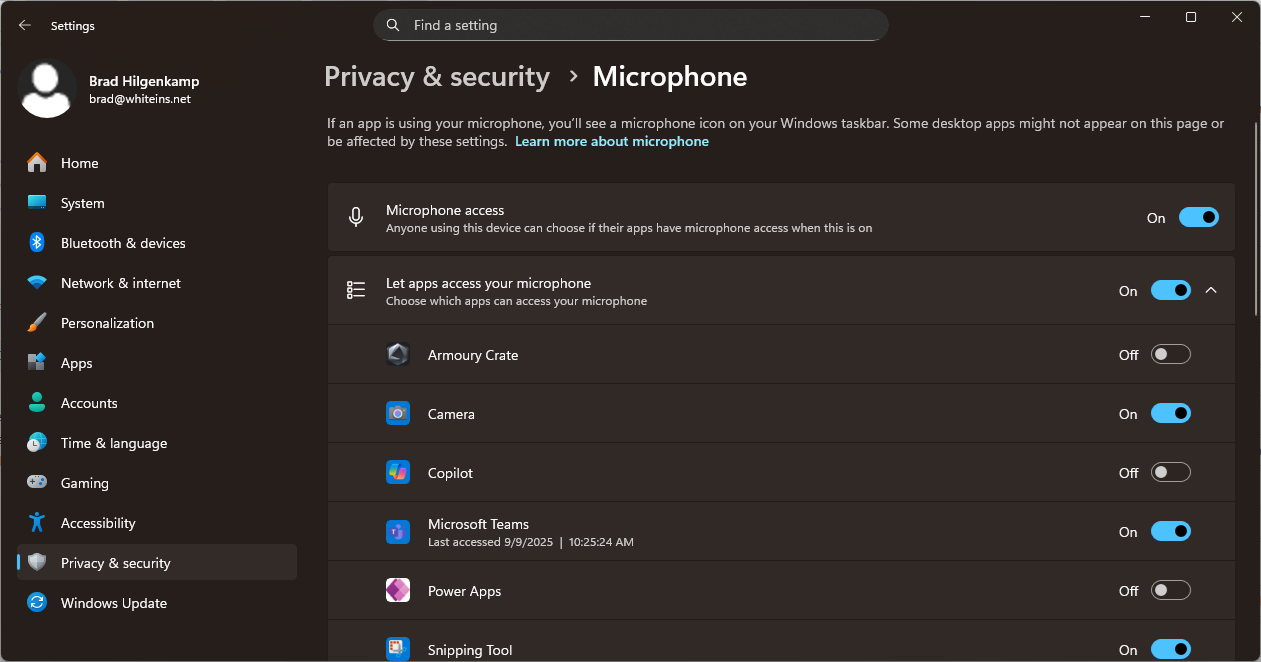
When you have tested your mic and camera and you still cannot be heard or seen in a Teams meeting, sometimes it's because of the Windows privacy settings. Under Settings -> Privacy & Security, under the App permissions section, there is the option for Camera and also for Microphone. On each, make sure that access is turned on, and also that the Teams app has access to the microphone/camera.
Was this article helpful?
That’s Great!
Thank you for your feedback
Sorry! We couldn't be helpful
Thank you for your feedback
Feedback sent
We appreciate your effort and will try to fix the article